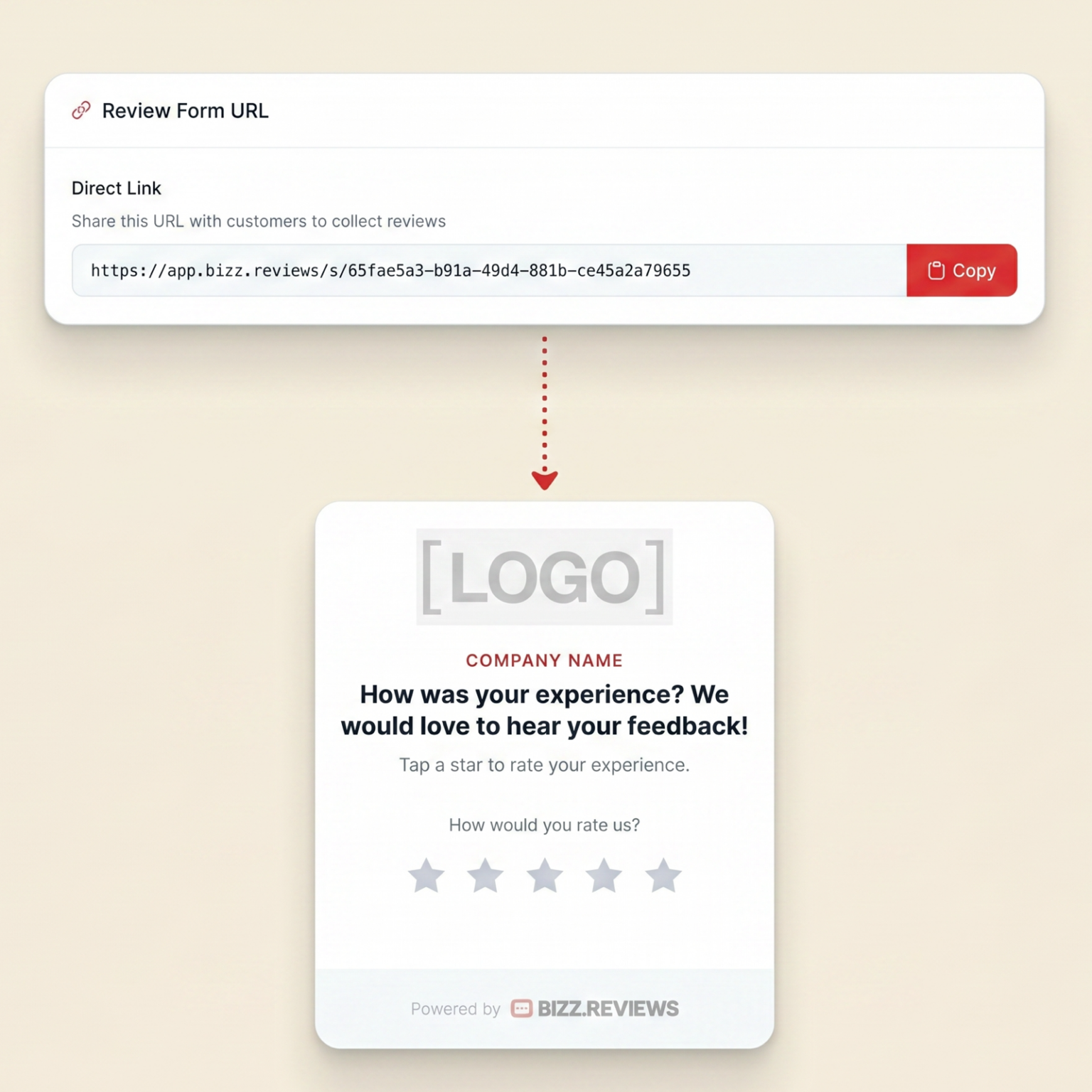
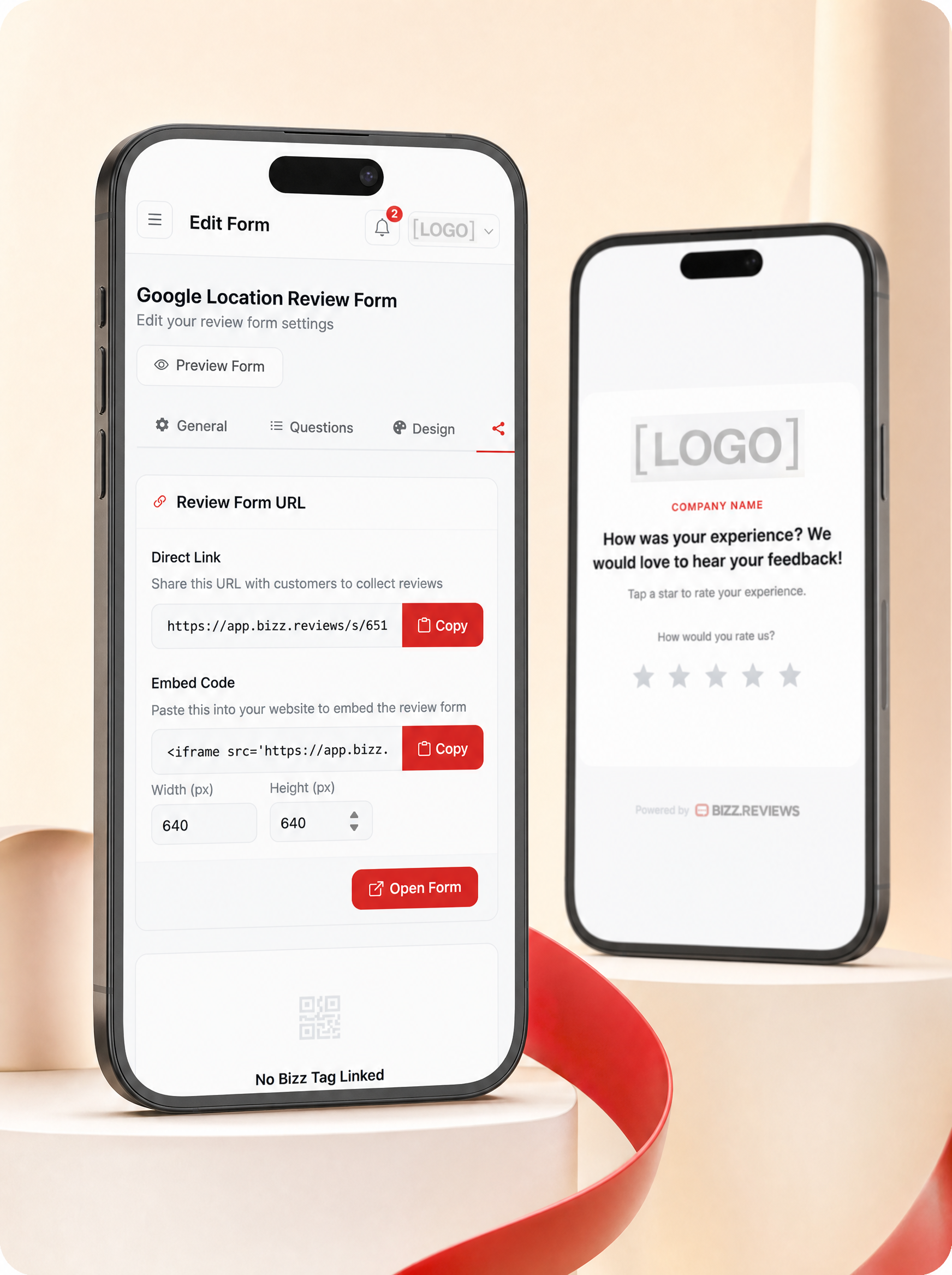
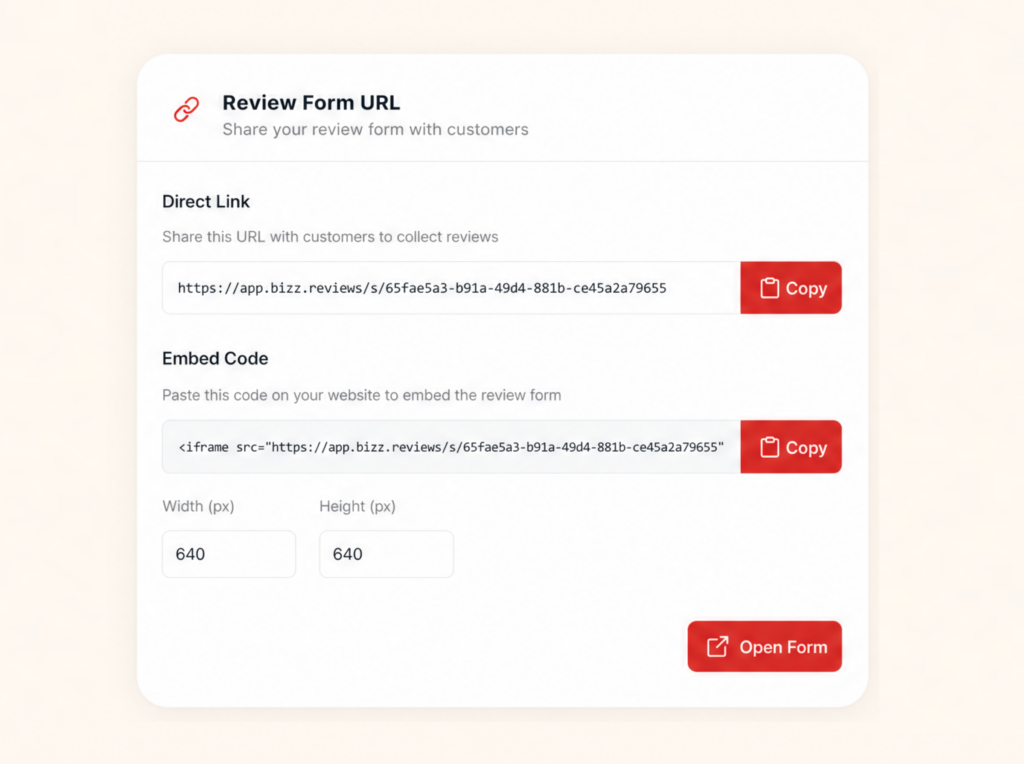
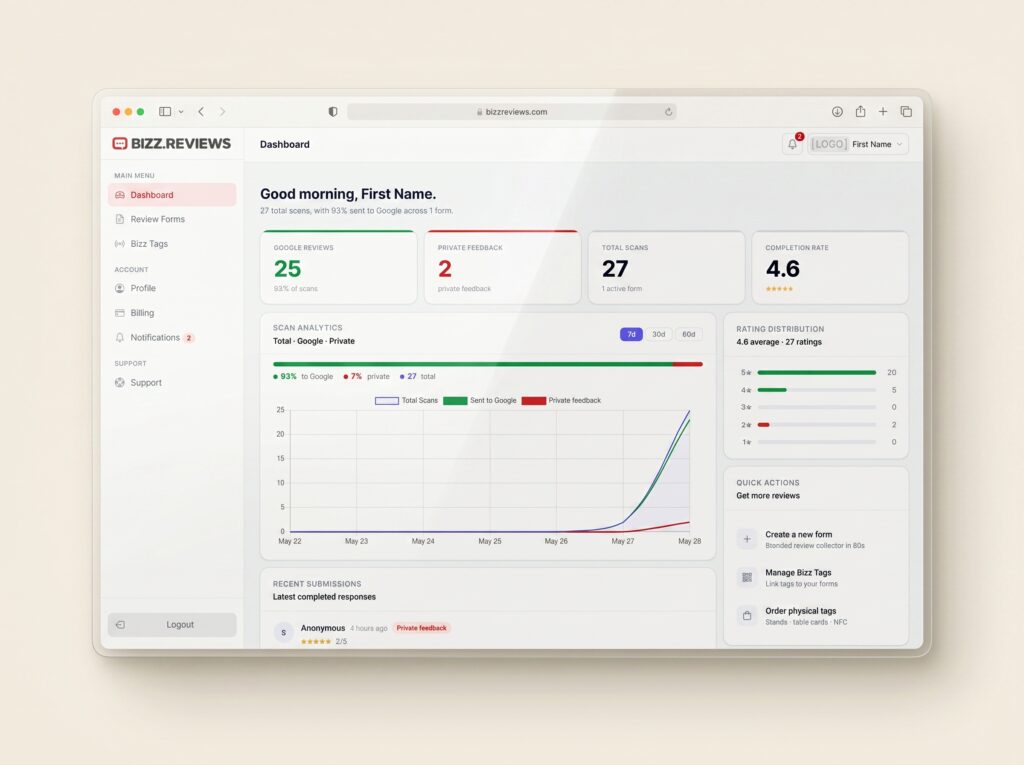
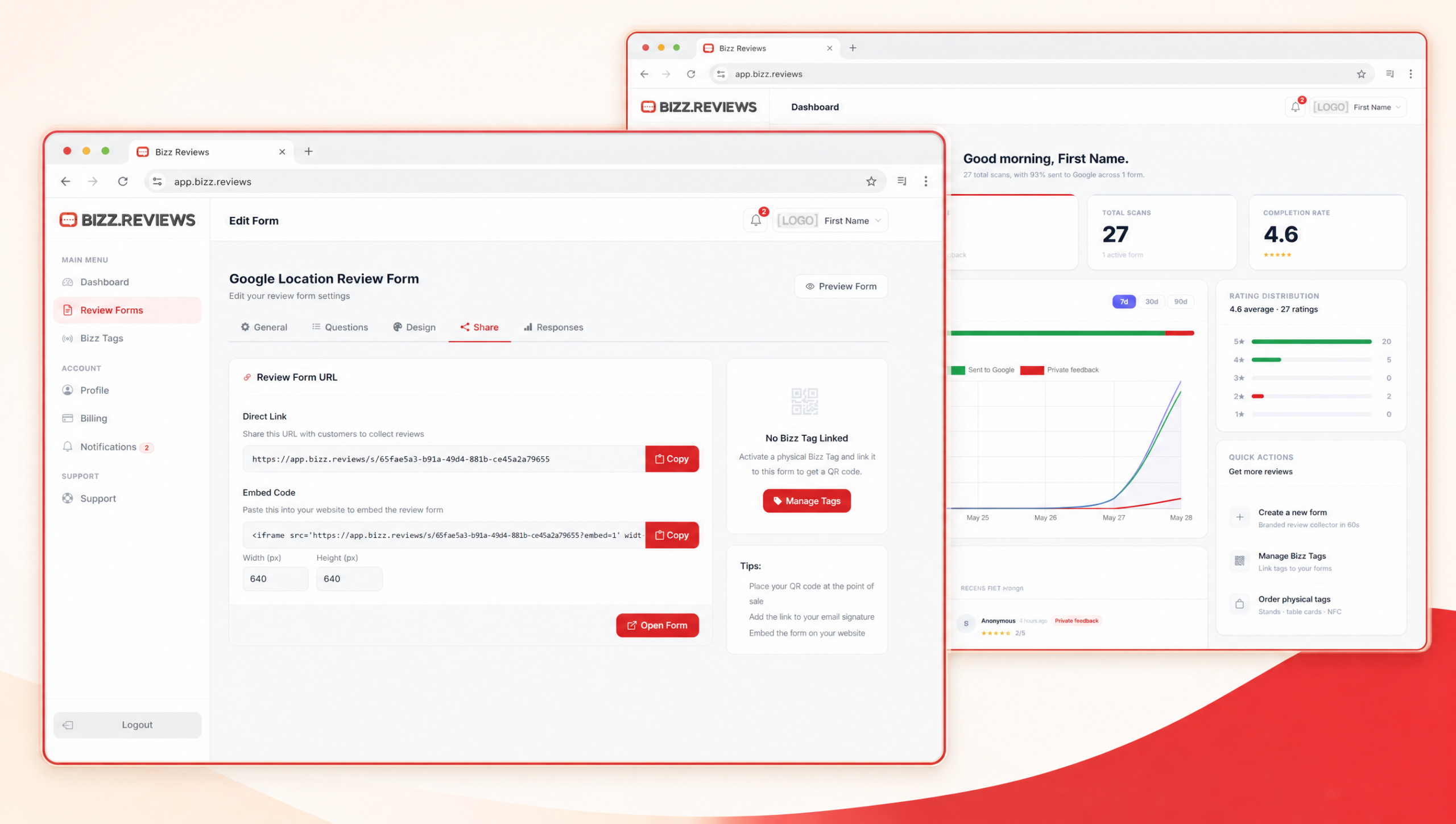
Review Link gives your business a shareable URL connected to your Bizz Reviews form. Share it in staff messages, receipts, invoices, business cards, signs, and QR code campaigns to keep customer feedback flowing from every touchpoint.
Your Bizz review link works on every text, email, receipt, QR code, and tag you already use. Update the destination once and every customer touchpoint updates with it.
One link, every channel.
Send Customers Straight To Google
Send Customers Straight To Google
Your link skips the search bar and drops customers right at your Google review screen. Less friction means more honest reviews from people who actually want to leave one.
Built On Your Branded Form
Built On Your Branded Form
Customers land on a form that looks like your business, not a generic review widget. The trust of your brand carries the experience from the first second.
Update Once, Change Everywhere
Update Once, Change Everywhere
Need to swap your routing rules, your form, or your Google profile destination? Edit the link in your dashboard and every printed sign and saved text updates with it.
Track Every Click That Counts
Track Every Click That Counts
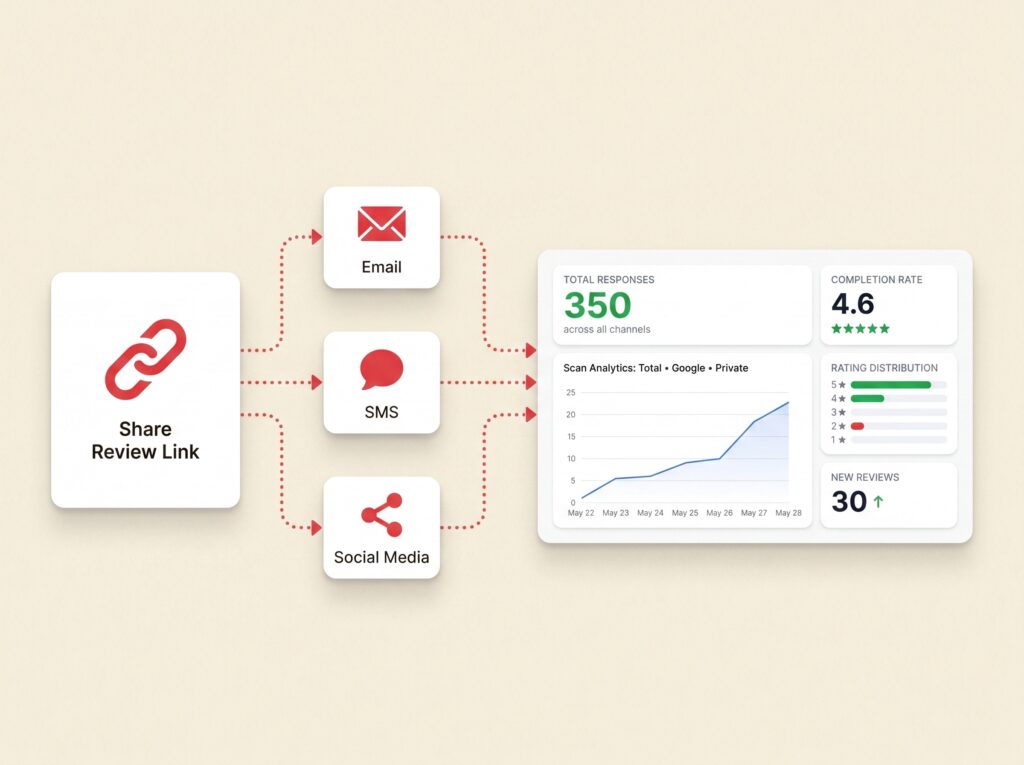
See exactly how many people opened your link, where they came from, and how many turned into real reviews. The numbers your reputation runs on.
HOW IT WORKS
HOW IT WORKS
What
Review Linkdo
Generate a link, share it everywhere you meet your customers, and watch the reviews come in. One link does the work of five separate review collection tools, without the spaghetti setup.
You are just 3 steps away.
1. Generate Link
Your unique Bizz link is ready the moment you sign up. No code, no setup, no Google Business Profile detective work. Just copy and go.
2. Share Anywhere
Drop it in your follow up text, your thank you email, your printed signs, your Bizz Tags, your receipts. Every touchpoint becomes a review opportunity.
3. Grow Reviews
Every click that turns into a Google review lifts your local rankings, builds public trust, and pulls in the next customer who is searching for someone exactly like you.
WORKS EVERYWHERE
WORKS EVERYWHERE
From Your Pocket To Their Phone In One Tap
Your link works in any text, any email, any QR code, any NFC tag. Wherever your customers are, your review request can be there too.
ONE LINK, EVERY CHANNEL
ONE LINK, EVERY CHANNEL
Make Every Touchpoint a Review Opportunity
Stop juggling separate tools, separate forms, and separate analytics. One Bizz link gives every channel the same power to capture honest reviews and grow your local visibility.
One link does it all
Works in any text or email.
Powers QR and NFC tags.
Drops on receipts and signs.
Update once, change all.
Track every click live.
Built for any business.
Hi 👋 New to Bizz Reviews?
Hi 👋 New to Bizz Reviews?
Create your free account and claim your first Bizz Tag on us.
Bizz Reviews helps local businesses collect Google reviews and private customer feedback using simple review forms, review links, QR codes, NFC tags, and a clean dashboard. Customers tap or scan, share their experience, and your team sees the feedback in real time.
No. Customers tap an NFC tag, scan a QR code, or open a review link, and the Bizz Reviews form opens in their phone browser. There is no app, no login, and no account required for your customers.
No. Bizz Reviews does not block, hide, or remove public reviews. Customers can always leave a public Google review. Smart Filters help your team listen first by routing private concerns to your inbox before frustration grows.
Setup is simple. You create your account, customize your review form, activate a Bizz Tag or QR code, and place it where your customers naturally pause. Most local businesses get fully set up in one sitting.
Yes. Multi Location Forms let each location use its own review form, review link, QR code, NFC tag link, and feedback routing while keeping everything organized inside one account.
Bizz Reviews stores customer feedback securely in your dashboard. Private feedback is only visible to your team. We follow standard security practices for SaaS platforms and you control how the data is used in your account.
No. The dashboard is built for business owners and managers. You can customize your form, generate QR codes, activate tags, and review feedback without writing code or learning complex tools.
Yes. Bizz Reviews has no long term contracts. You can cancel from your account when you want. Bizz Tag stickers and Bizz Stands are one time purchases.