🎁 New here? Use code START for a 3-day trial + a free Bizz Tag.
🎁 New here? Use code START
for a 3-day trial + a free Bizz Tag.

QR Code Generator

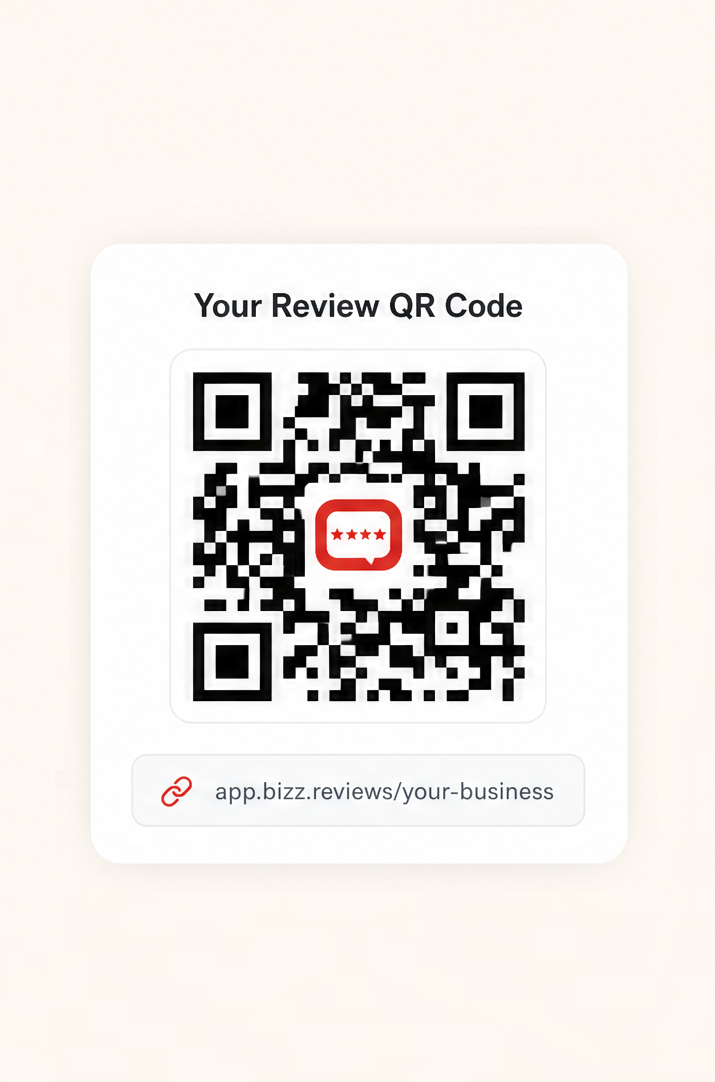
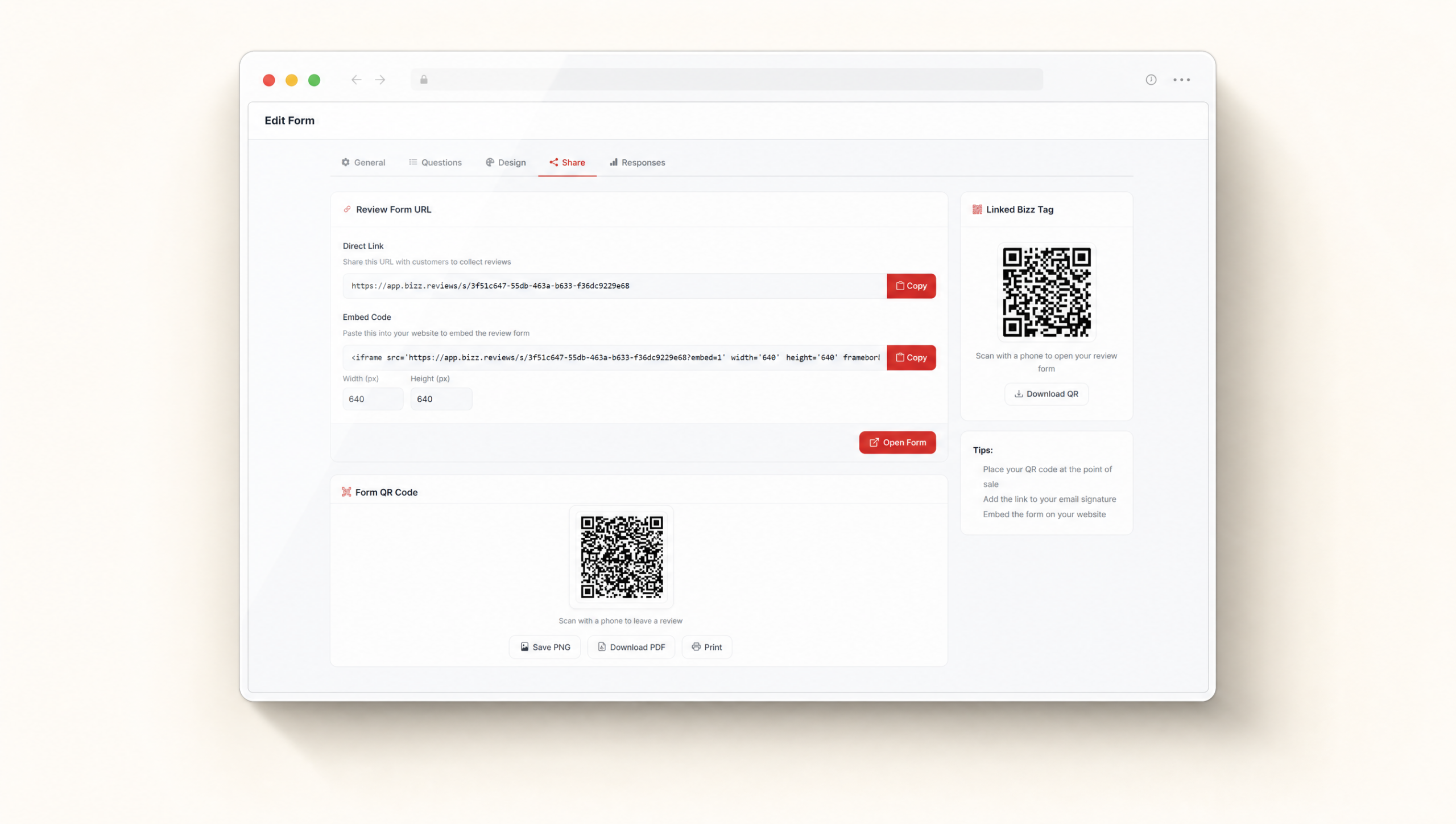
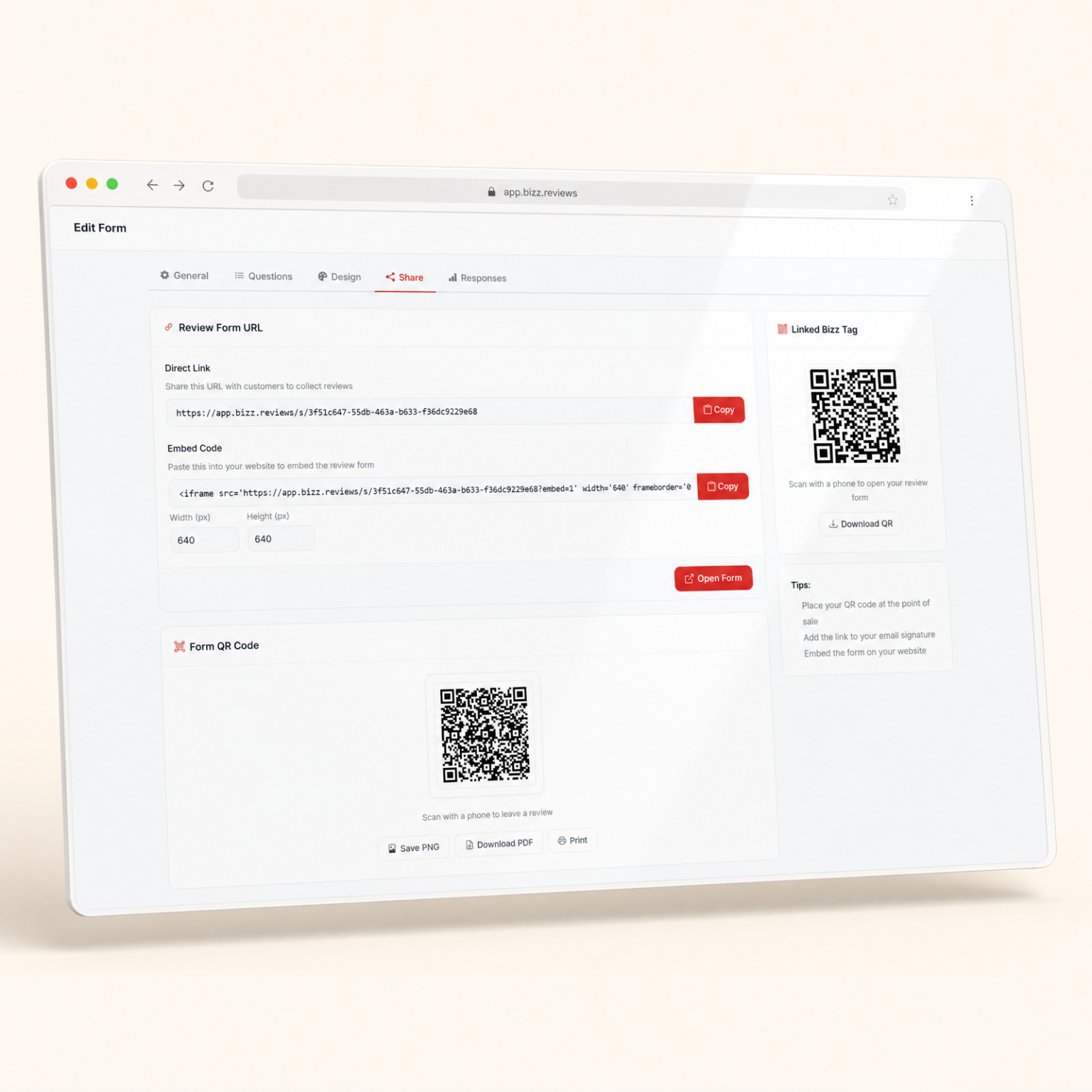
The QR Code Generator turns your review form into a scannable code you can place on counters, receipts, menus, packaging, business cards, and signs. Customers scan with their phone camera and continue through your Bizz Reviews customer satisfaction flow.

QR Codes That Turn Foot Traffic Into Real Reviews

Generate a branded scan to review QR code in seconds, drop it on every counter and receipt, and watch local customers leave Google reviews while the visit is still fresh in their mind.

Scan. Smile. Review.

How our QR Codes work

Three steps from a printable QR code to a steady stream of Google reviews. No design tools, no waiting on a developer, no IT ticket. Just open the dashboard and go.

You are just 3 steps away.

1. Generate Code

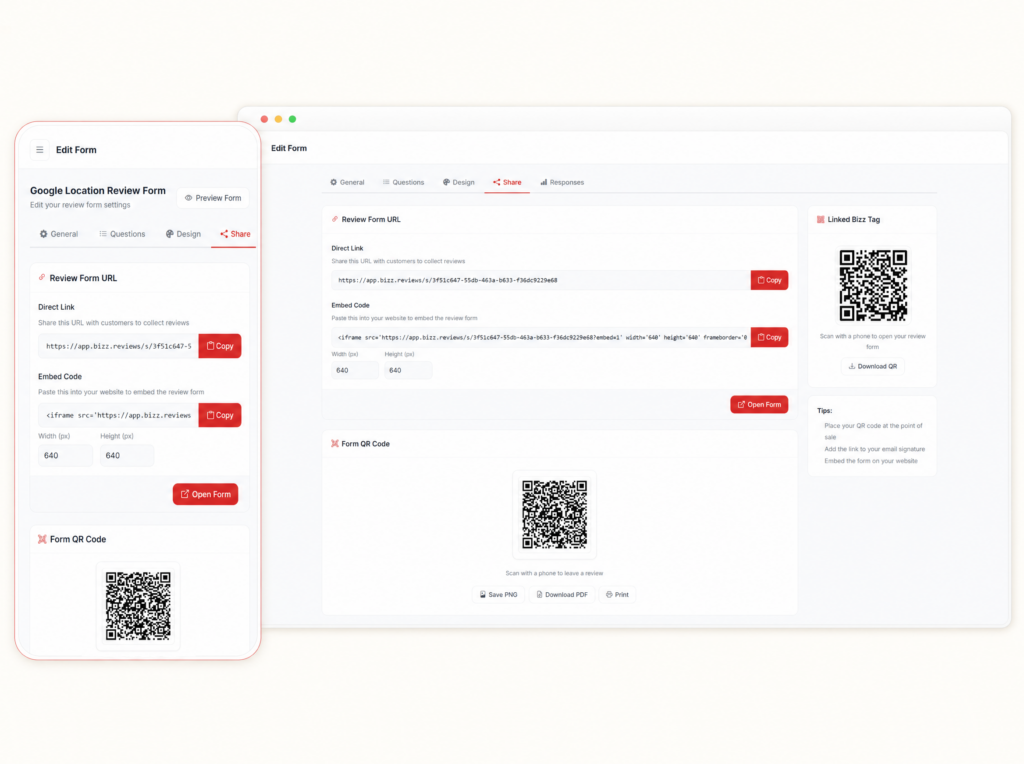
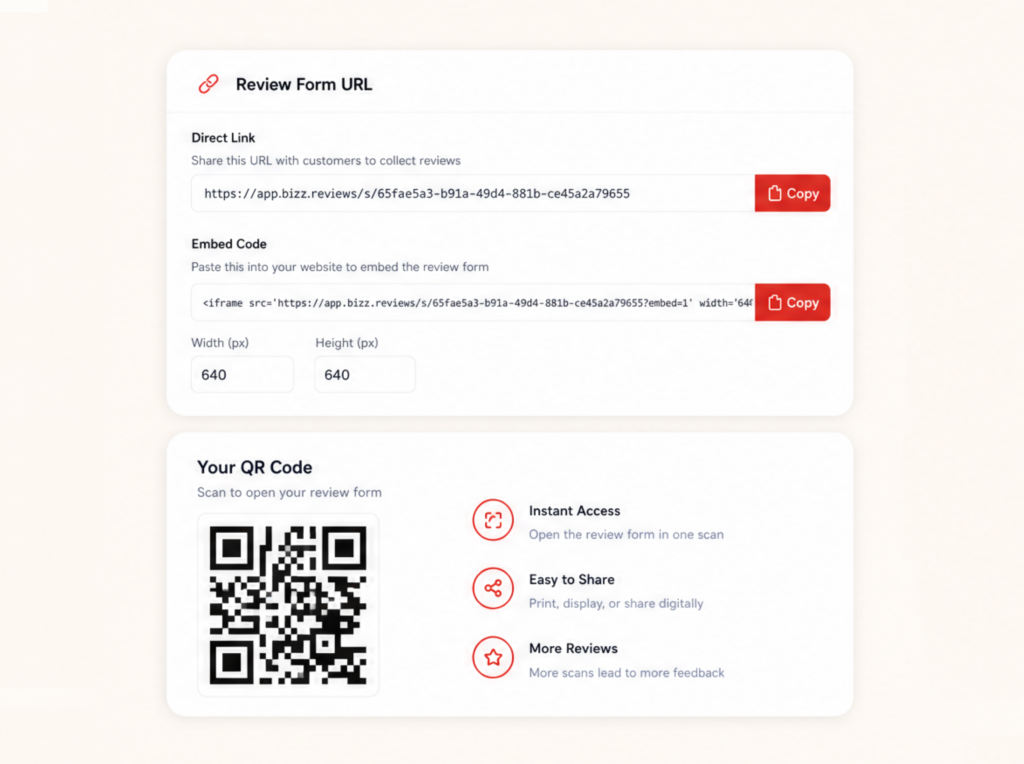
Pick your link, add your logo, and download a clean branded QR code in seconds. No design skills required.

2. Place Strategically

Counter, table, receipt, window cling, business card. Anywhere a happy customer might be standing with a phone in their hand.

3. Save Reputation

One scan opens your branded form, the routing decides the path, and the review lands where it matters most. All while the customer is still smiling.

Built To Live On Every Surface In Your Shop

Some shops only want top ratings going public. Others send 4 and 5 star ratings toward Google. With Smart Filters, the call is yours.

Change The Destination Without Reprinting

Open your form settings, pick your rating line, and you are done. Higher ratings move toward Google. Lower ratings reach your private inbox first so you can read the story and follow up before frustration grows.

You set the rules

  • Print ready PNG and PDF.
  • Update without reprint.
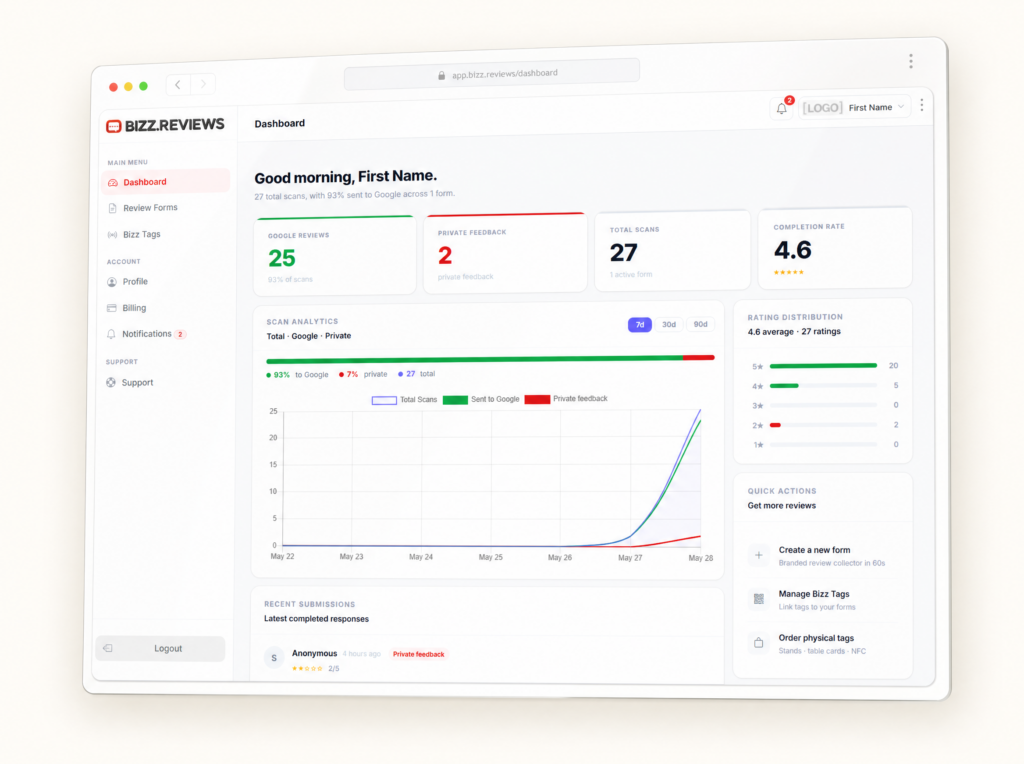
  • Track every scan live.
  • Works on any phone.
  • No app to download.

Everything A Local Business Needs To Grow Reviews The Right Way

More reviews. Higher rankings. Better visibility on Google.

Frequently asked questions

Bizz Reviews helps local businesses collect Google reviews and private customer feedback using simple review forms, review links, QR codes, NFC tags, and a clean dashboard. Customers tap or scan, share their experience, and your team sees the feedback in real time.

No. Customers tap an NFC tag, scan a QR code, or open a review link, and the Bizz Reviews form opens in their phone browser. There is no app, no login, and no account required for your customers.

No. Bizz Reviews does not block, hide, or remove public reviews. Customers can always leave a public Google review. Smart Filters help your team listen first by routing private concerns to your inbox before frustration grows.

Setup is simple. You create your account, customize your review form, activate a Bizz Tag or QR code, and place it where your customers naturally pause. Most local businesses get fully set up in one sitting.

Yes. Multi Location Forms let each location use its own review form, review link, QR code, NFC tag link, and feedback routing while keeping everything organized inside one account.

Bizz Reviews stores customer feedback securely in your dashboard. Private feedback is only visible to your team. We follow standard security practices for SaaS platforms and you control how the data is used in your account.

No. The dashboard is built for business owners and managers. You can customize your form, generate QR codes, activate tags, and review feedback without writing code or learning complex tools.

Yes. Bizz Reviews has no long term contracts. You can cancel from your account when you want. Bizz Tag stickers and Bizz Stands are one time purchases.