🎁 New here? Use code START for a 3-day trial + a free Bizz Tag.
🎁 New here? Use code START
for a 3-day trial + a free Bizz Tag.

Form Customization

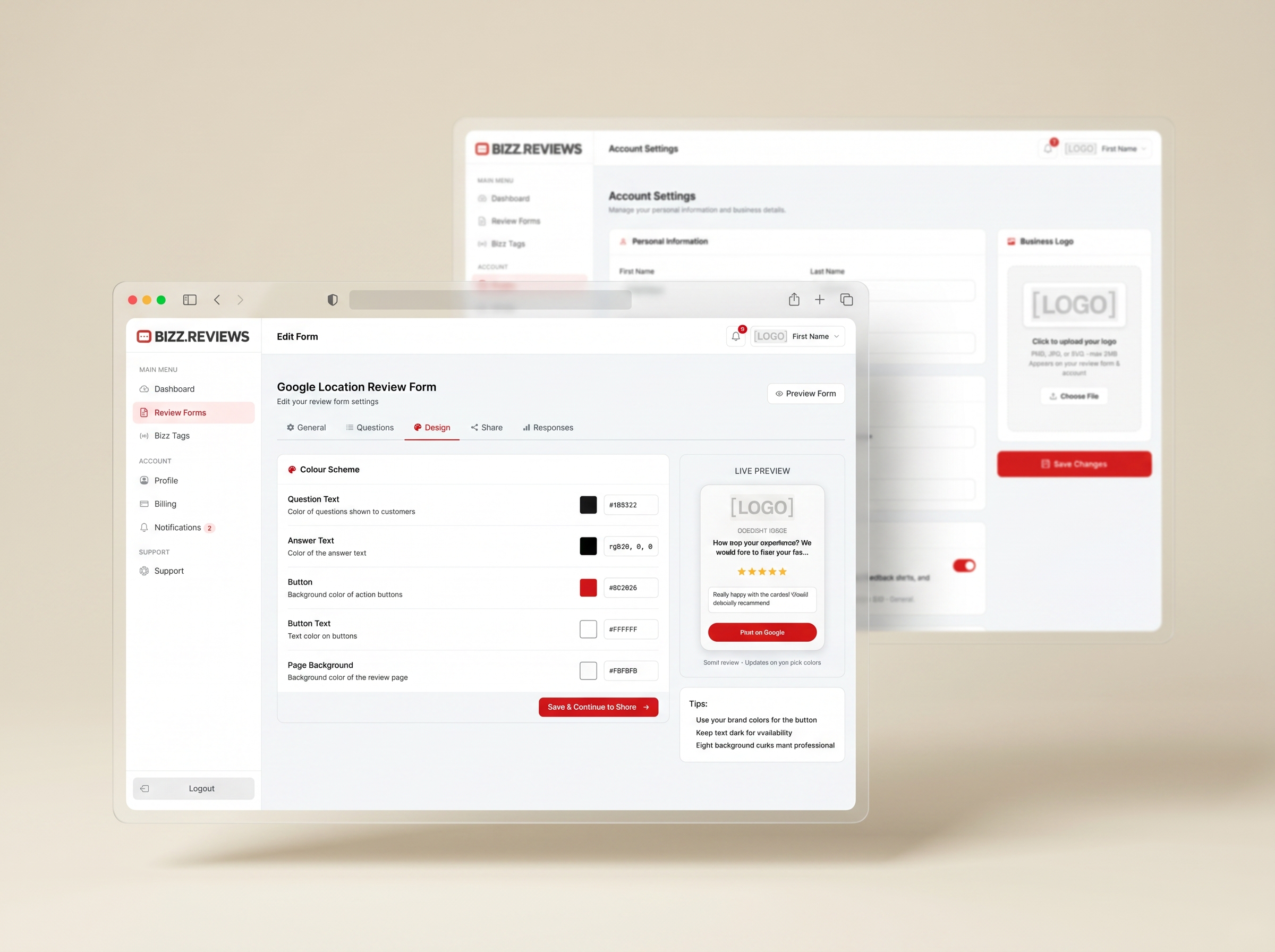
Form Customization lets you control the form your customers see. Match your brand style, adjust the satisfaction question, set the routing rules, and connect the correct Google review destination so every form feels like an extension of your business.

Branded Review Forms That Feel Like Your Business

Add your logo, your colors, your tone, and the exact questions you want answered. Every customer lands on a form that feels like an extension of your brand, not a generic widget.

Your brand, on every form.

How Form Customization works

Three steps from a blank canvas to a branded review form that looks like it was built by your designer. No code, no waiting, no design tools. Just open the dashboard and shape it.

You are just 3 steps away.

1. Make It Yours

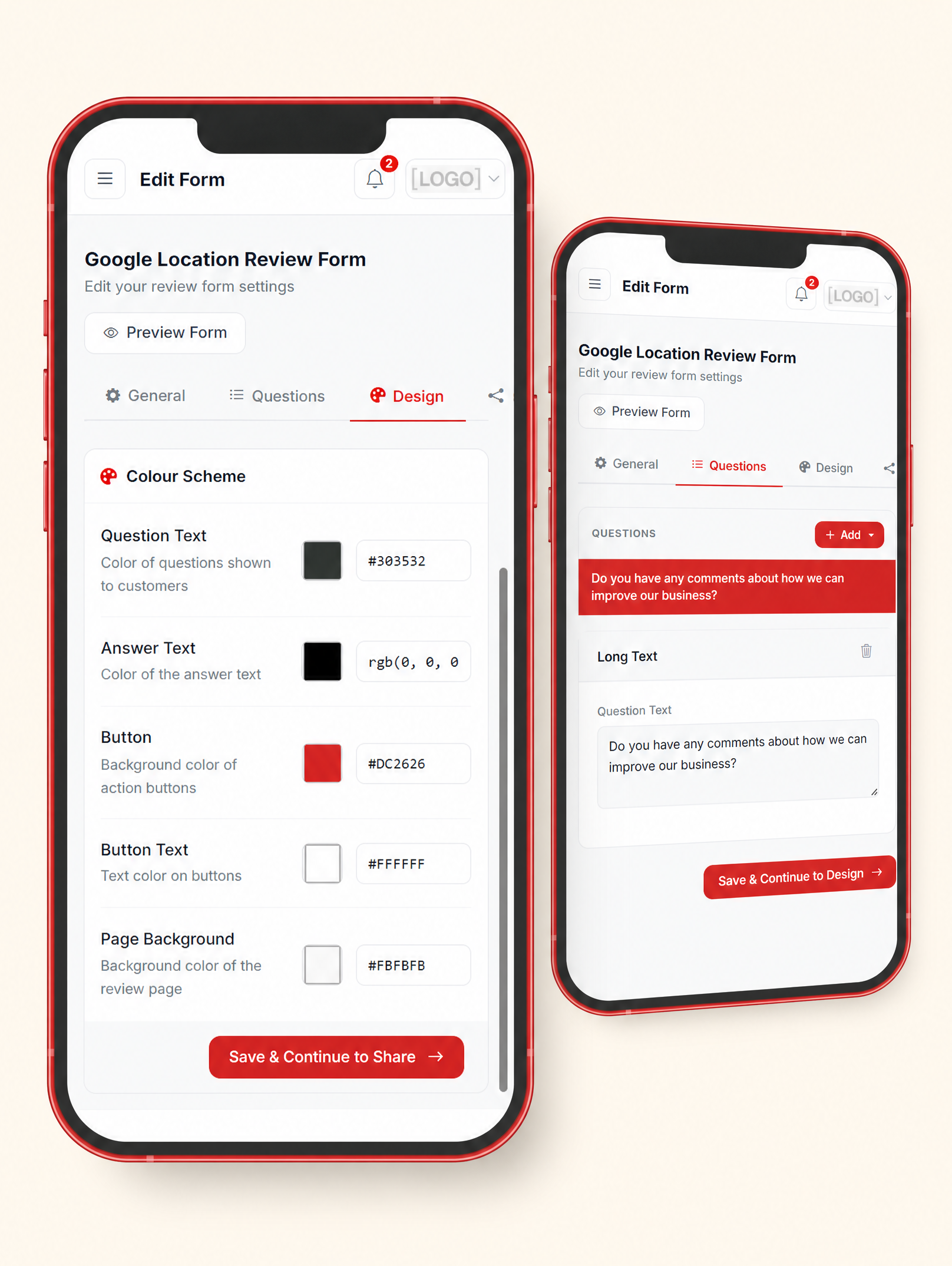
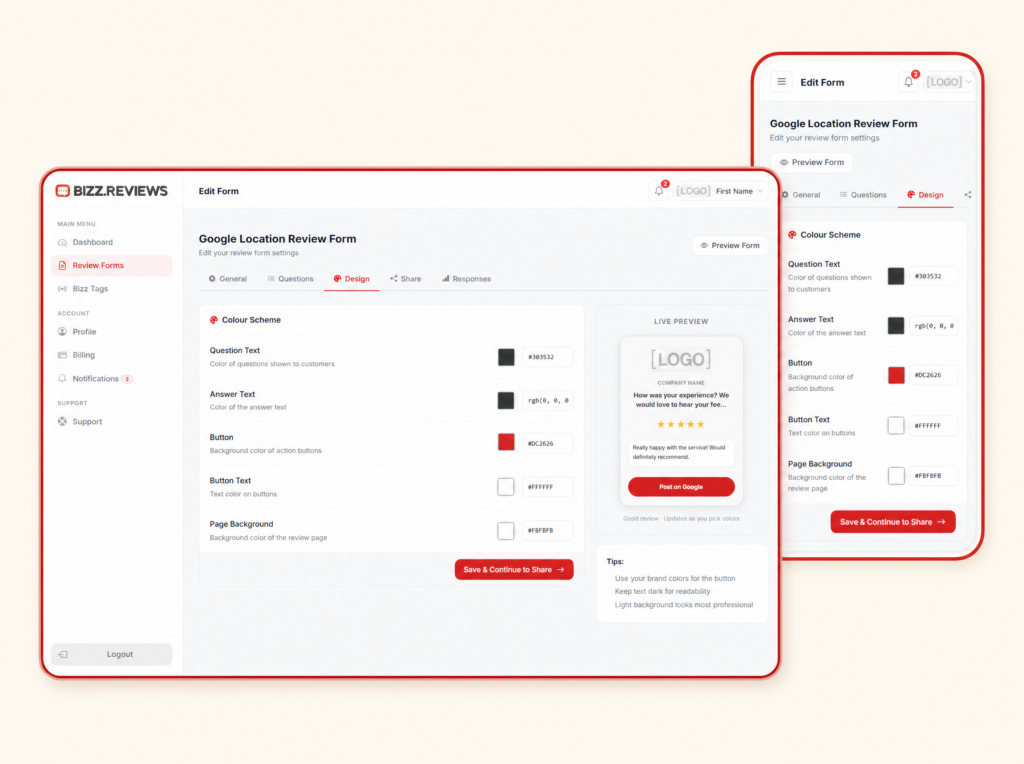
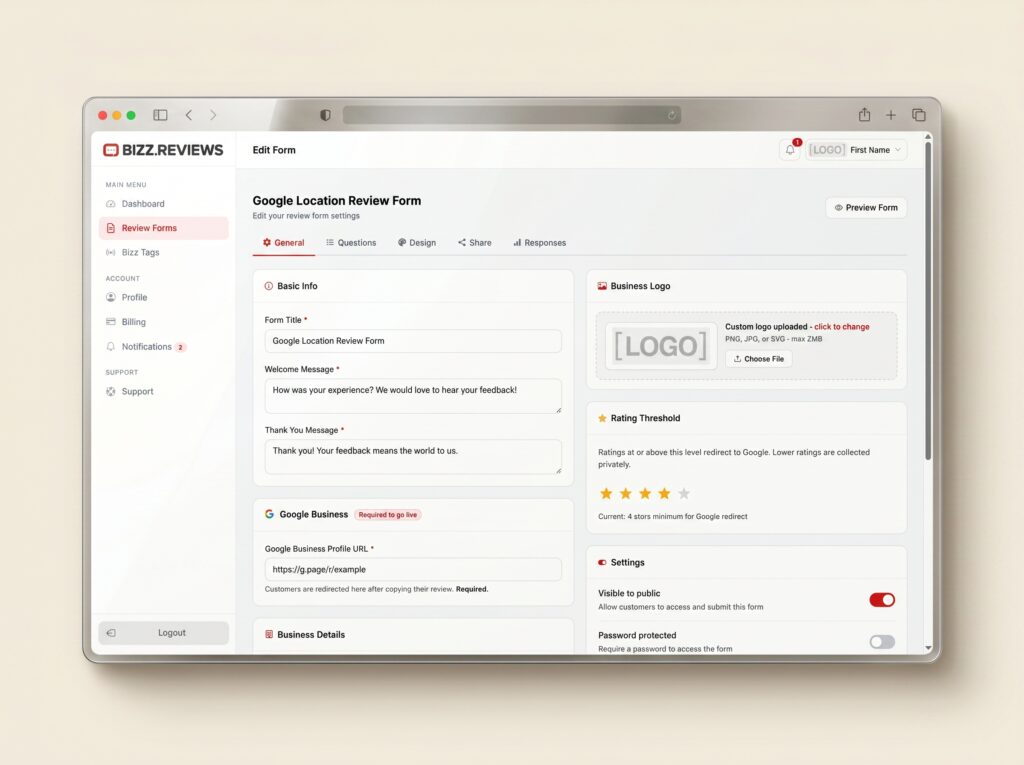
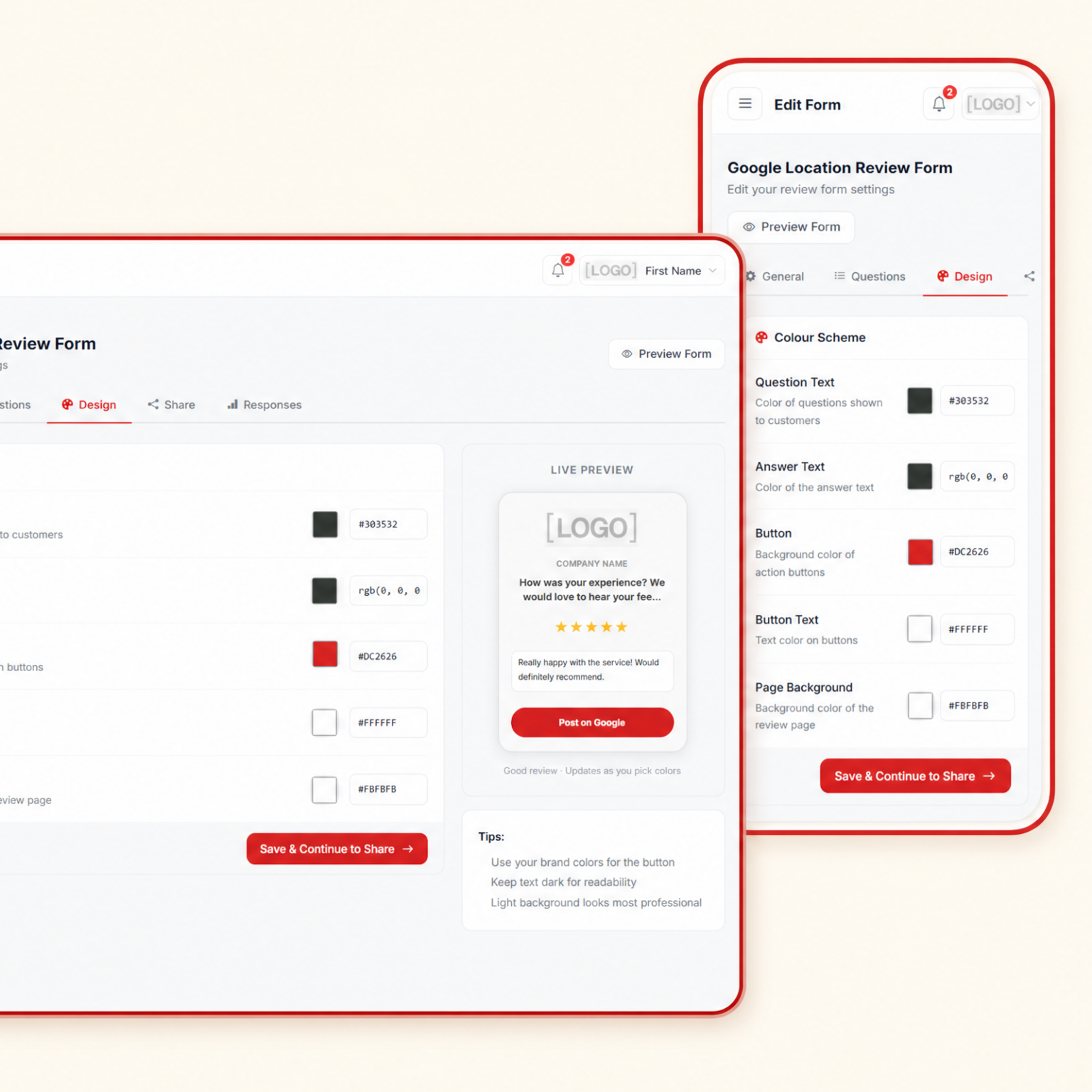
Upload your logo, set your colors, and write the questions and copy that match how you actually talk to your customers.

2. Preview Live

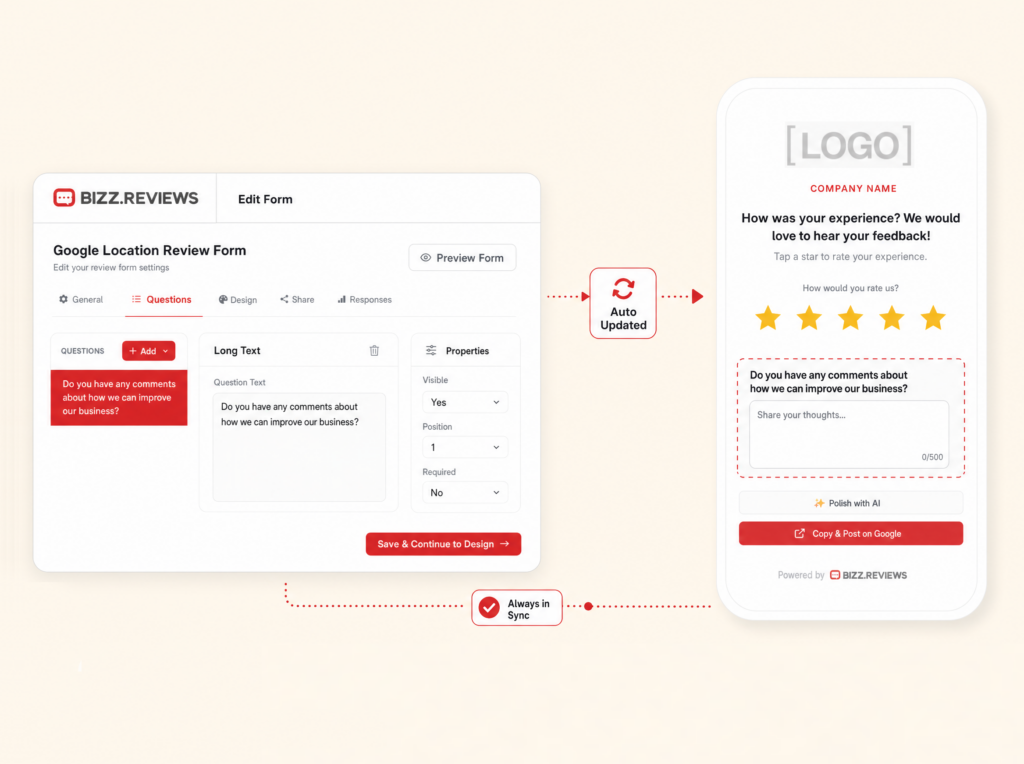
See what your customer will see on a real phone screen before anything goes live. Tweak the copy, swap the colors, refine the questions.

3. Publish Anywhere

Push your branded form live and watch it open from every QR code, NFC tag, text, and email automatically. One update, every channel.

Built To Match How Your Business Already Looks

Your brand colors, your logo, your typography, your customer voice. Every detail of the form lines up with the experience customers already trust from your business.

Customers Trust Forms That Look Like You

A generic form gets skipped. A branded form gets filled out. When customers recognize your logo and your colors, completion rates jump and the honest reviews keep rolling in.

Brand it, ship it, grow

  • Add your logo in seconds.
  • Match your brand colors.
  • Write your own questions.
  • Set your tone of voice.
  • Preview before publish.
  • Update without recode.

Everything A Local Business Needs To Grow Reviews The Right Way

More reviews. Higher rankings. Better visibility on Google.

Frequently asked questions

Bizz Reviews helps local businesses collect Google reviews and private customer feedback using simple review forms, review links, QR codes, NFC tags, and a clean dashboard. Customers tap or scan, share their experience, and your team sees the feedback in real time.

No. Customers tap an NFC tag, scan a QR code, or open a review link, and the Bizz Reviews form opens in their phone browser. There is no app, no login, and no account required for your customers.

No. Bizz Reviews does not block, hide, or remove public reviews. Customers can always leave a public Google review. Smart Filters help your team listen first by routing private concerns to your inbox before frustration grows.

Setup is simple. You create your account, customize your review form, activate a Bizz Tag or QR code, and place it where your customers naturally pause. Most local businesses get fully set up in one sitting.

Yes. Multi Location Forms let each location use its own review form, review link, QR code, NFC tag link, and feedback routing while keeping everything organized inside one account.

Bizz Reviews stores customer feedback securely in your dashboard. Private feedback is only visible to your team. We follow standard security practices for SaaS platforms and you control how the data is used in your account.

No. The dashboard is built for business owners and managers. You can customize your form, generate QR codes, activate tags, and review feedback without writing code or learning complex tools.

Yes. Bizz Reviews has no long term contracts. You can cancel from your account when you want. Bizz Tag stickers and Bizz Stands are one time purchases.